

Built for businesses with high inbound volume

Turn inquiries into sales opportunities:
close faster with your AI sales agent

An AI-powered sales automation platform that helps drive bookings and orders through fast, consistent communication tailored to their workflows

See in action

Trusted by more than 100 businesses in 🇺🇦 🇦🇪 🇵🇱 🇲🇽 including

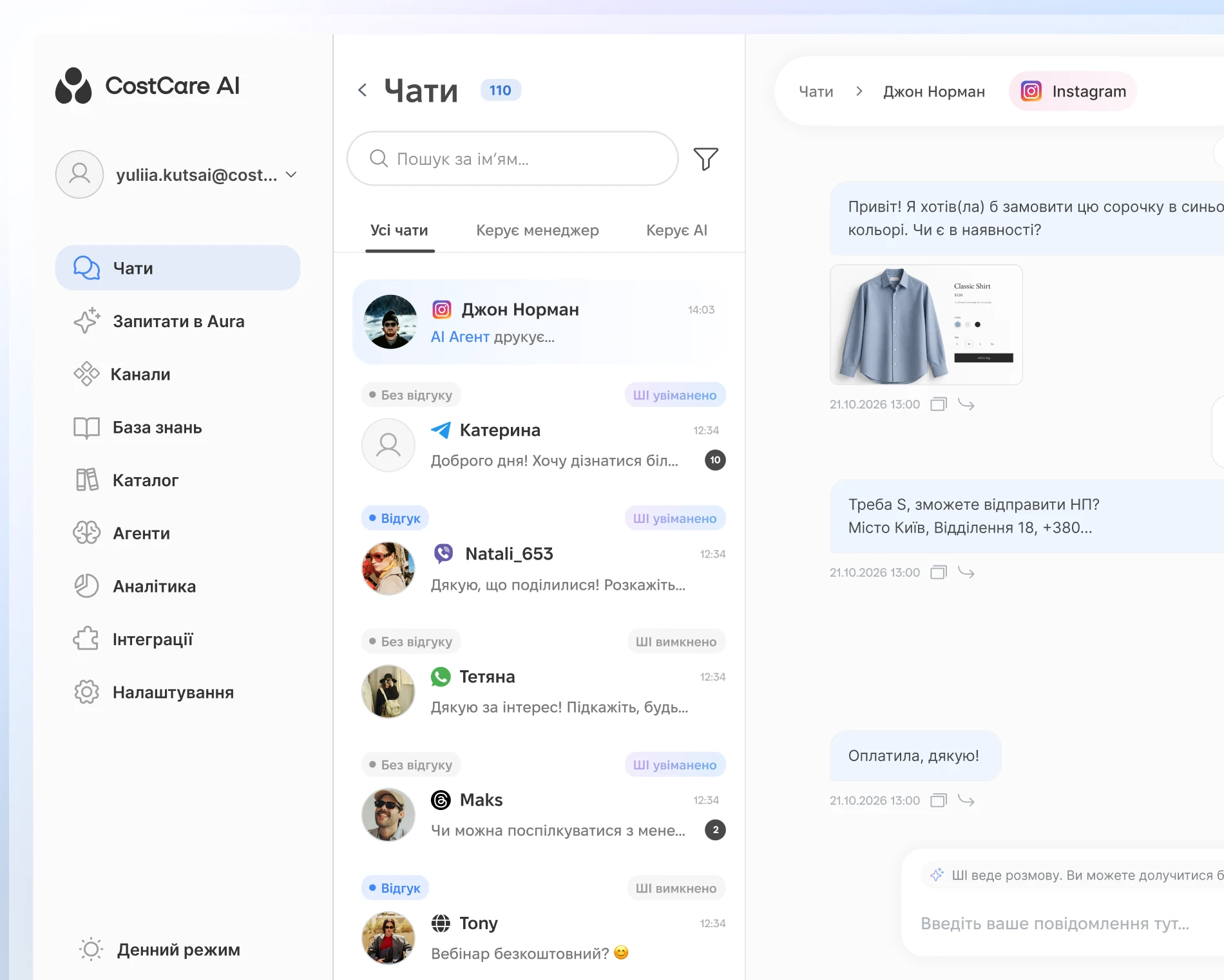
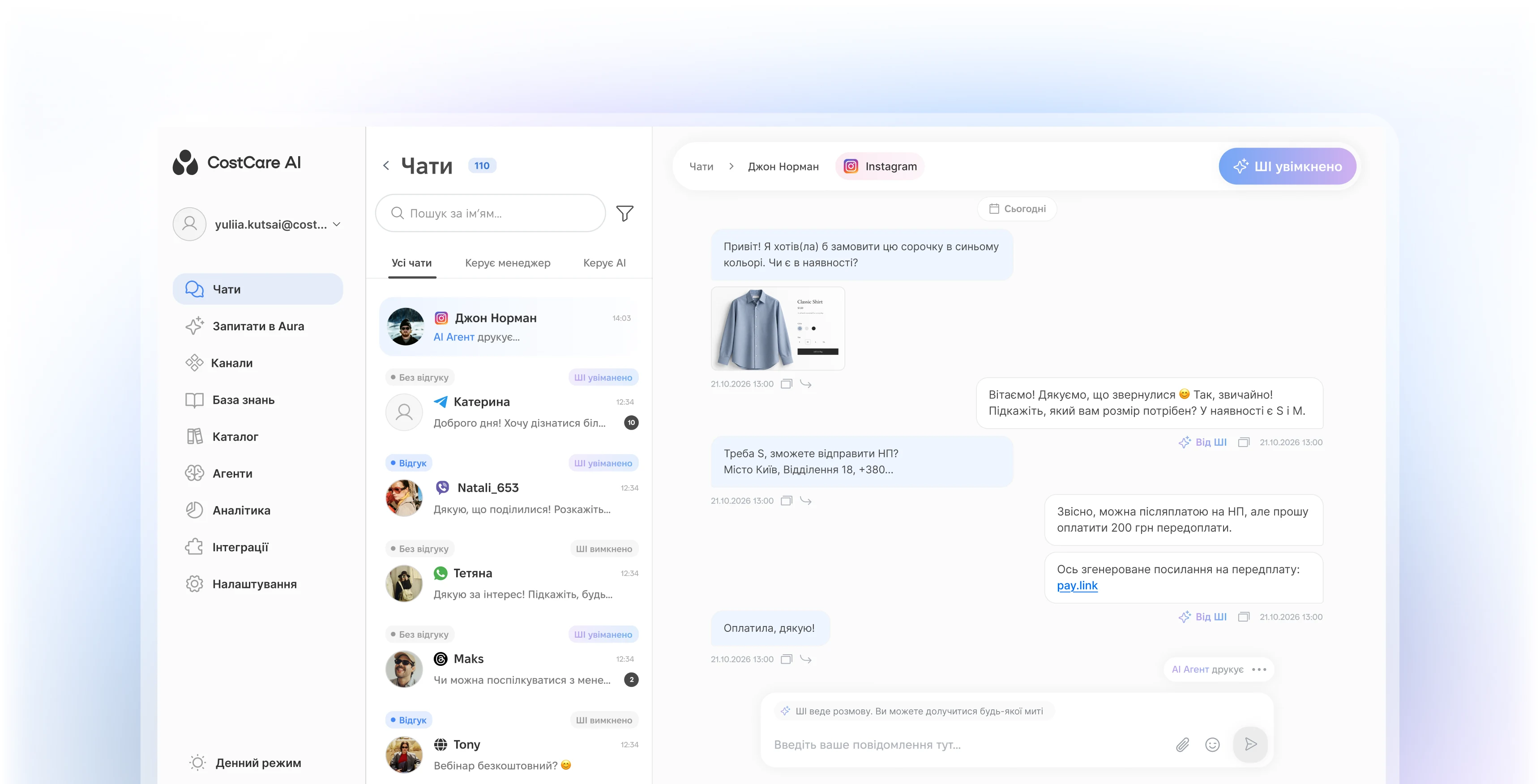
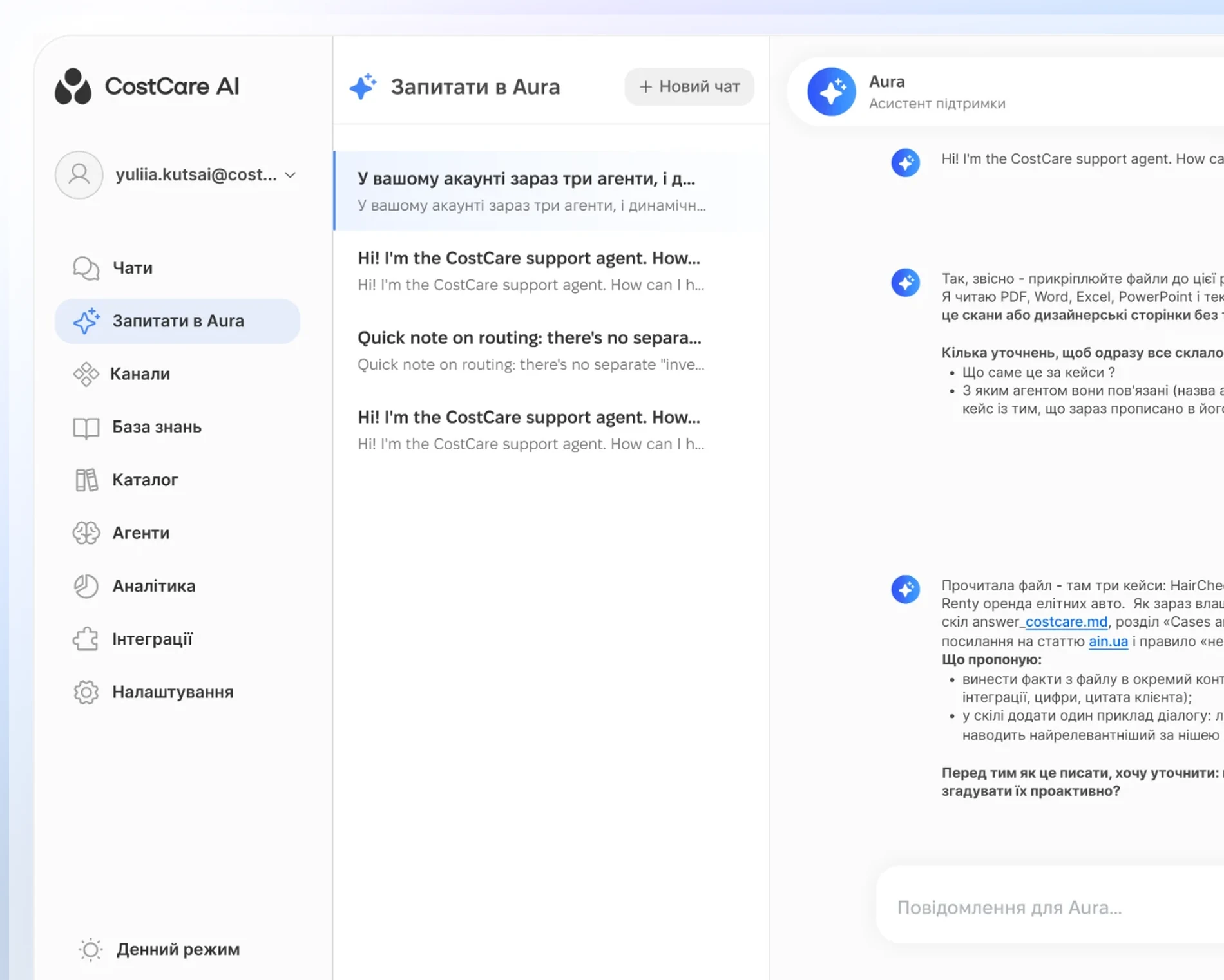
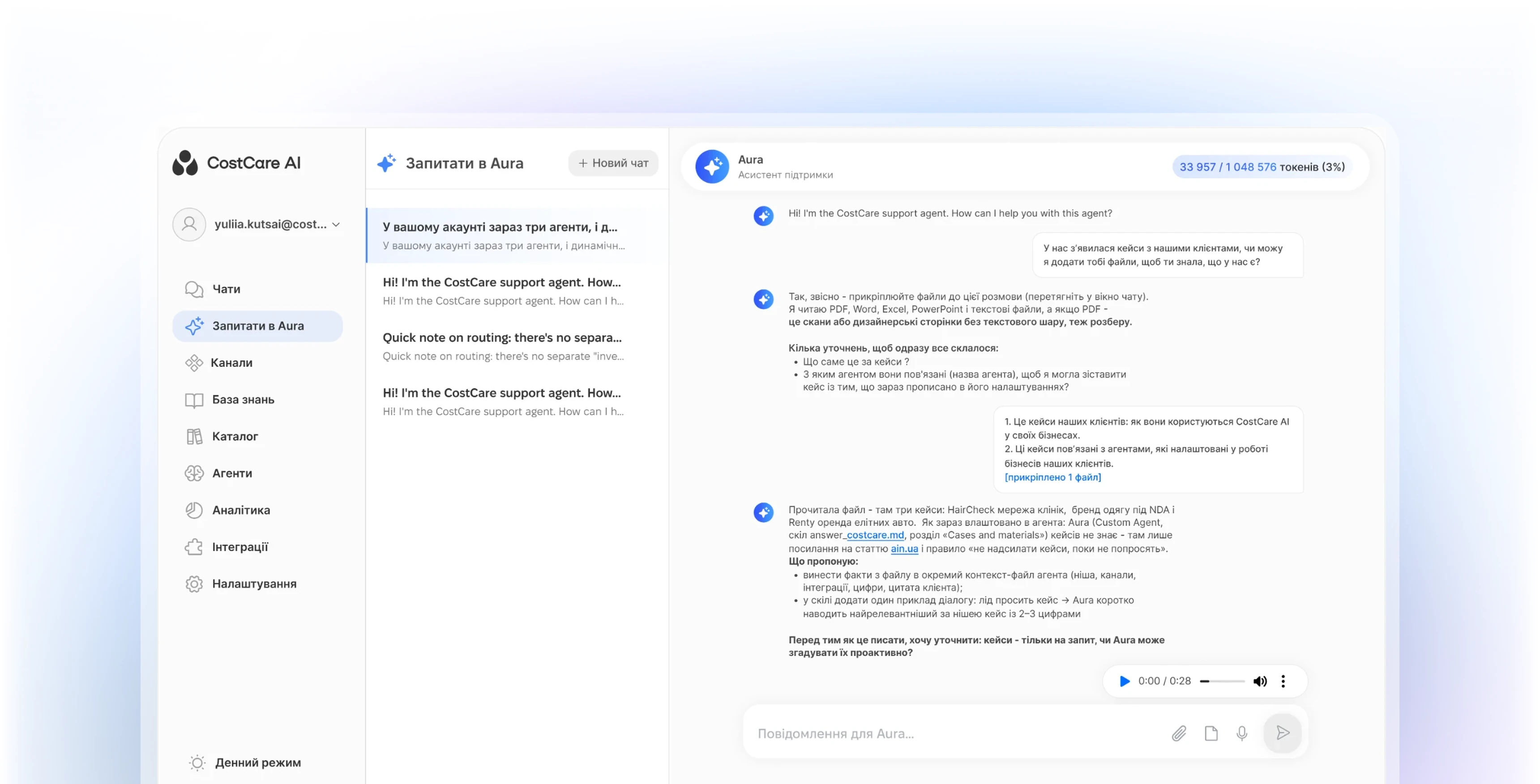
CostCare AI chats inbox where the AI sales agent answers an Instagram customer, confirms stock and sends a prepayment link.CostCare AI chats inbox where the AI sales agent answers an Instagram customer, confirms stock and sends a prepayment link.Ask Aura screen in CostCare AI where the team manages and updates the AI agent through a conversation.Ask Aura screen in CostCare AI where the team manages and updates the AI agent through a conversation.Ask Aura screen in CostCare AI where the team manages and updates the AI agent through a conversation.Ask Aura screen in CostCare AI where the team manages and updates the AI agent through a conversation.

Communication & sales

Instantly responds to inquiries, qualifies leads and automatically moves them through the funnel to a booking or sale across all your sales channels.

Industries

Working in industries where
response time and quality matter

Education & development
Health, beauty & wellness
E-commerce
Service businesses
Creative industries
Real estate & travel
Retail trade
How CostCare AI works

Configure your AI around
how your business sells

Fast setup for your business

Give your AI platform the context it needs in minutes
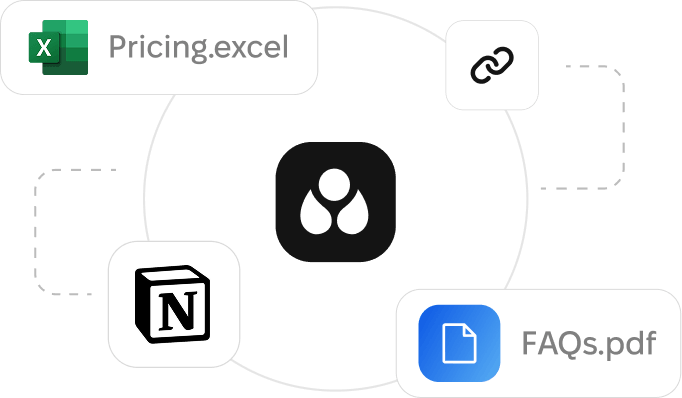
Business rules, knowledge sources, tone of voice, and escalation logic — configured in 5 minutes, improved over time
Diagram showing file types Pricing.excel, FAQs.pdf, and Notion linked around a central black icon with three white droplets.
1. Add your business context
Products, services, FAQs, pricing, availability, and key workflows
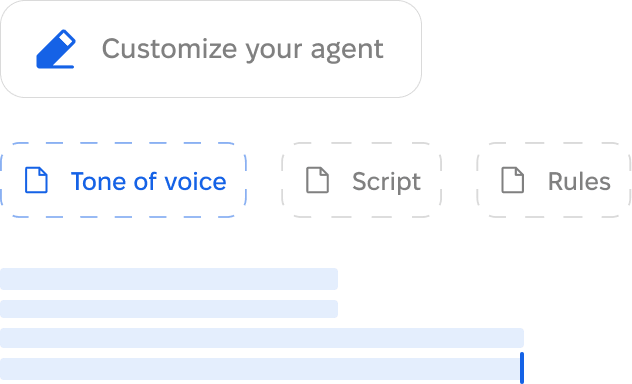
Interface with a blue pencil icon and text 'Customize your agent', tabs labeled 'Tone of voice' highlighted in blue, 'Script' and 'Rules' in gray, and blue horizontal loading bars below.
2. Define agent behavior
Tone of voice, qualification logic, scripts, and escalation rules
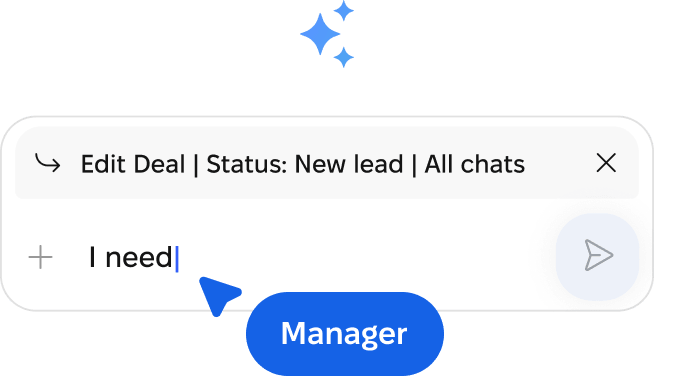
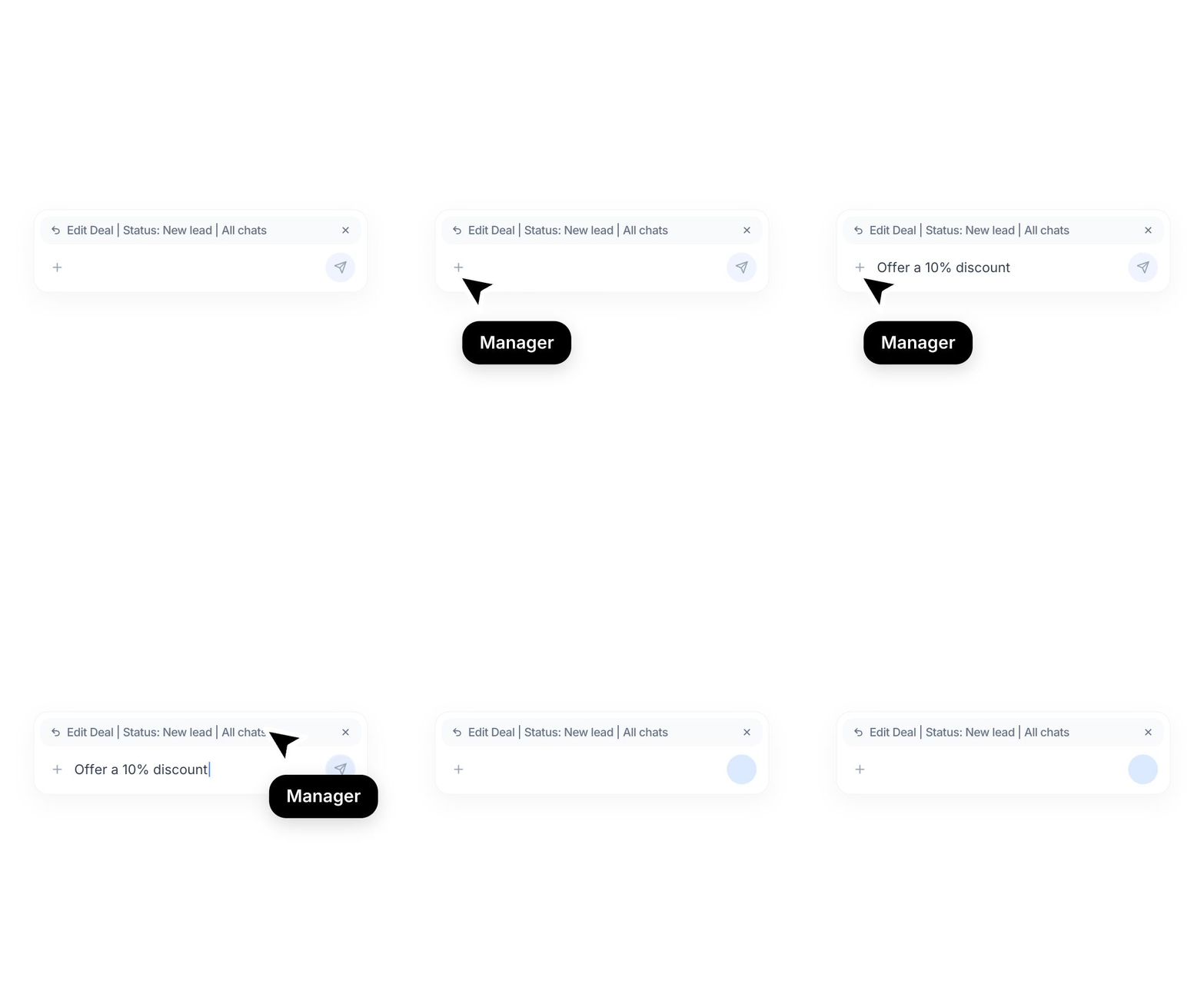
Chat input box with text 'I need' and status bar showing 'Edit Deal | Status: New lead | All chats', a blue label below reads 'Manager'.
3. Launch and improve
Go live fast, then refine replies, routing, and handoff as data comes in
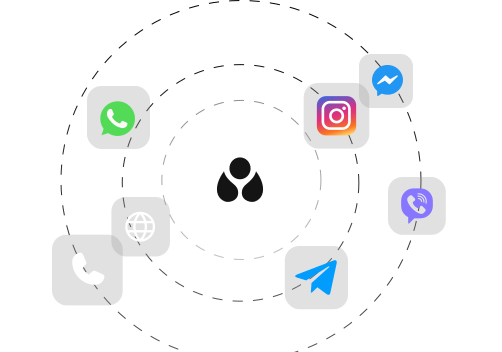
Flexible by channel
Connect the channels your customers already use
CostCare AI fits your inbound flow
Proof in numbers

Funnel results businesses achieve with CostCare AI

81%

Conversion rate with one AI platform

80-90%

Inbound inquiries handled

3.5×

Sales team efficiency

Turn response-time gaps into revenue opportunities

Let’s explore your process together!
See how CostCare AI fits

Fill out the quick form

Email
Your name
Phone number
Thank you! Your submission has been received!
Oops! Something went wrong while submitting the form.
Clean indoor space with modern table, large surfboard artwork, and loft-style window in background.
Dive deeper

AI moves the process forward. Your team stays in control

24/7 coverage
Handle conversations across shifts, after hours, and peak times
User profile interface showing a status indicator with the text 'AI is live' in green.
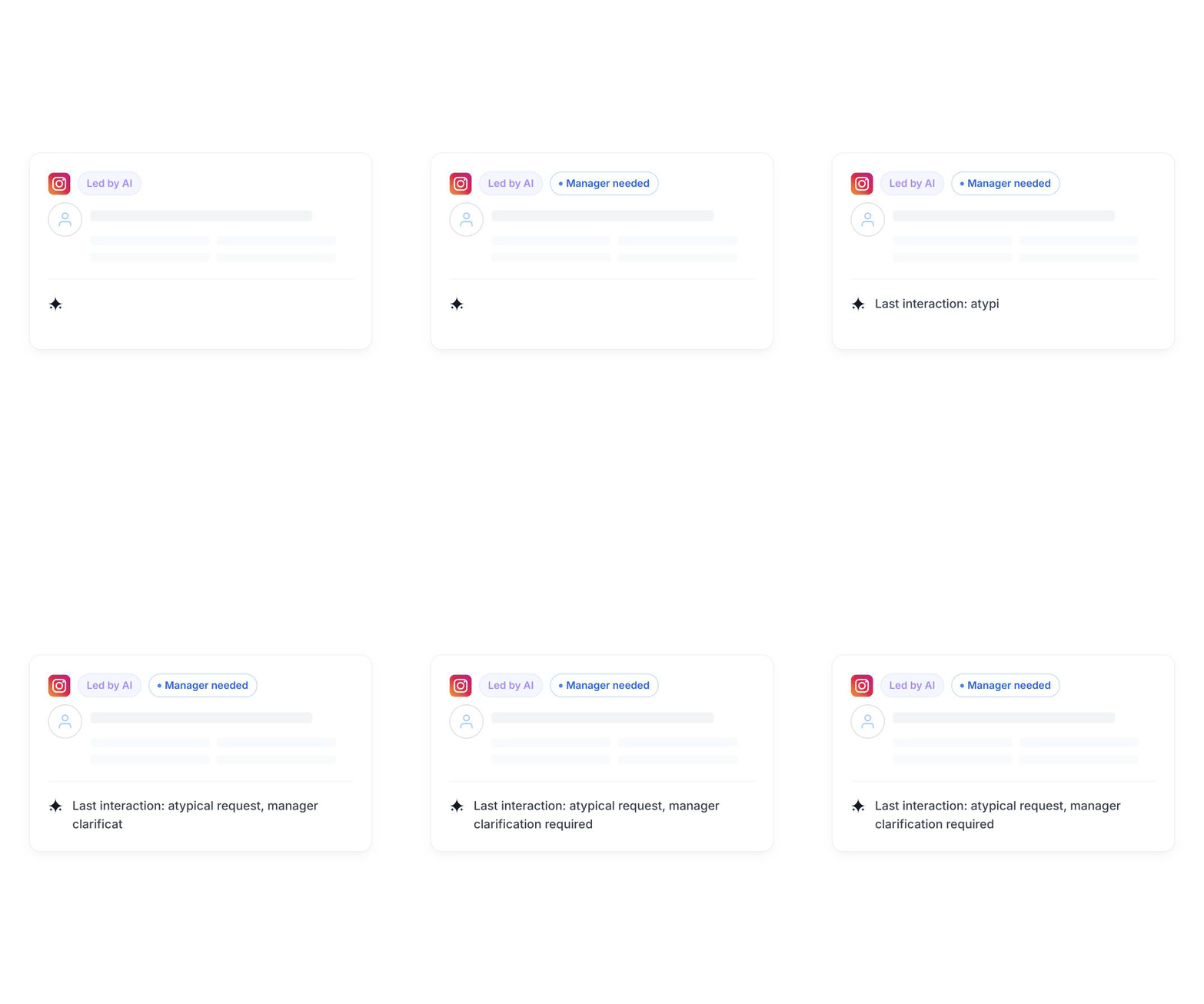
Human in the loop
Keep a human in control when it matters — review interactions and escalate conversations
Animated Instagram post interface with a 'Led by AI' label and a loading sparkle icon.
Feedback-driven
Use feedback to refine replies, update workflows, improve your AI sales agent
User interface panel showing options: Edit Deal, Status: New lead, and All chats, with a plus sign and a send icon.

Connect CostCare AI to the systems your business already runs on

Integrate with systems where open API endpoints are available to support readiness or next-step actions in your sales process
Payment
PayPal
Stripe
LiqPay
Knowledge Base
Zendesk
Notion
Booking
Calendly
Booksy
EasyWeek
CRM
Salesforce
keyCRM
HubSpot
E-commerce Platforms
WooCommerce
Horoshop
Shopify
Scheduling
Outlook Calendar
Google Calendar
ERP
Microsoft Dynamics 365
NetSuite
Odoo
PRICING

Cost-effective pricing

Повідомлень у чаті

6

Повідомлення клієнта та AI разом

230

Чатів на місяць

1 700

Вхідних розмов

10015 000

Орієнтовно на місяць

$186

за обраний обсяг


Вартість одного чату $0.11
Чатів на місяць 1 700

Без плати за онбординг та інших додаткових витрат

Для бізнесів різного масштабу

Усі ціни є орієнтовними. Фінальна вартість залежить від сценаріїв, інтеграцій та обсягу використання.

Book your demo

What to know before you get started

What businesses is CostCare AI best for?

CostCare AI works best for revenue-driven businesses where response speed and interaction quality directly affect conversion. It is a strong fit for companies with high inbound volume, repeatable customer questions, and a clear next step such as a booking, order, or qualified lead.

How does CostCare AI work?

CostCare AI works as a configurable sales automation layer rather than a generic chatbot. During onboarding, the system is configured around your sales process, business rules, knowledge sources, tone of voice, escalation logic, and channel flow, so the AI agent operates within skills, your business context instead of relying on generic behaviour. With the right setup, CostCare AI can support qualification, routing, triggers, and controlled handoff, while outcomes improve over time as the configuration matures.

Can CostCare AI hand off conversations to a human manager?

Yes. CostCare AI is designed with human handoff in mind, and your team can review interactions, stay in control of communication quality, and step in whenever a manager, approval, or human judgment is needed. Depending on the escalation rules you configure, you can keep more control in human hands or allow the AI agent to act more autonomously within the boundaries you set.

Which channels does CostCare AI support?

CostCare AI can support messengers such as Instagram, Facebook, WhatsApp, Telegram, Viber and others, website chat, and, depending on the use case, phone as well. The exact channel mix depends on your workflow, your conversion path, and where your customer conversations already happen.

How is CostCare AI configured for each business?

CostCare AI is configured around your business context, including FAQs, policies, rules, tone of voice, and escalation paths. Most businesses start with a practical first version, then improve performance over time through better sources of truth, tighter routing, and feedback-driven updates.

How fast can CostCare AI be launched?

CostCare AI is designed for fast onboarding and lightweight pilot launches. The goal is to start with a version that already supports real business outcomes, then improve it over time instead of trying to solve every edge case on day one. The first working version of a custom AI sales agent for your business can currently be created in about 5 minutes and 30 seconds.

How is CostCare AI priced?

CostCare AI uses volume-based pricing, so pricing scales with chat volume and demand rather than team size. You can start with AI automation in one inbound channel and gradually add more channels over time — or choose to cover your full inbound flow from the start. This makes it easier to launch, measure ROI, and expand as your business grows.

A new standard for sales automation and measurable business outcomes

Explore how CostCare AI helps improve conversion,
reduce waste, and create clearer ROI across your sales flow
See in action