Built for businesses with high inbound volume

Turn inquiries into sales opportunities: close faster with your AI sales agent

An AI-powered sales automation platform that helps drive bookings, orders,
and qualifies leads through fast, consistent communication tailored to their workflows

See in action
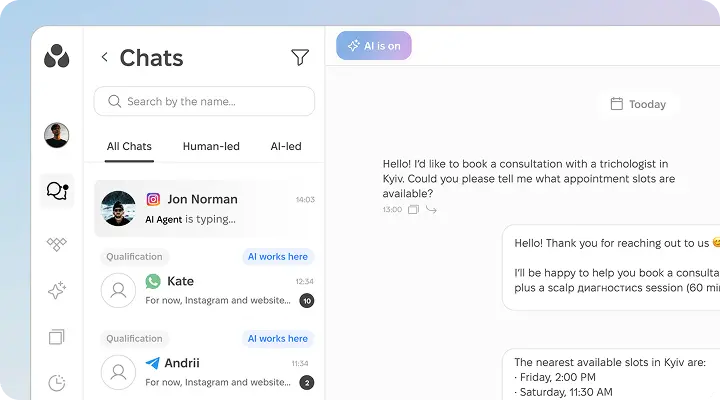
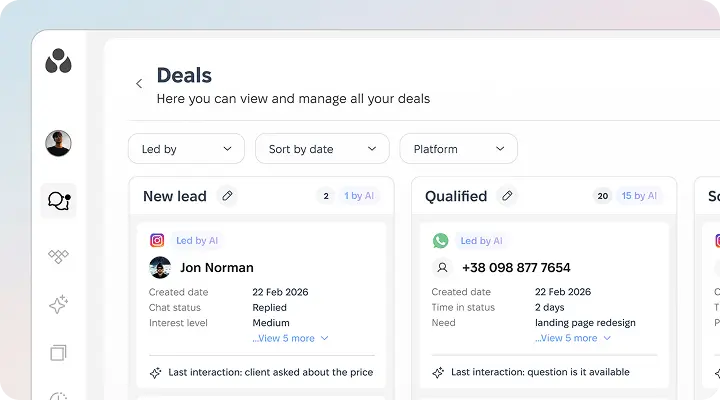
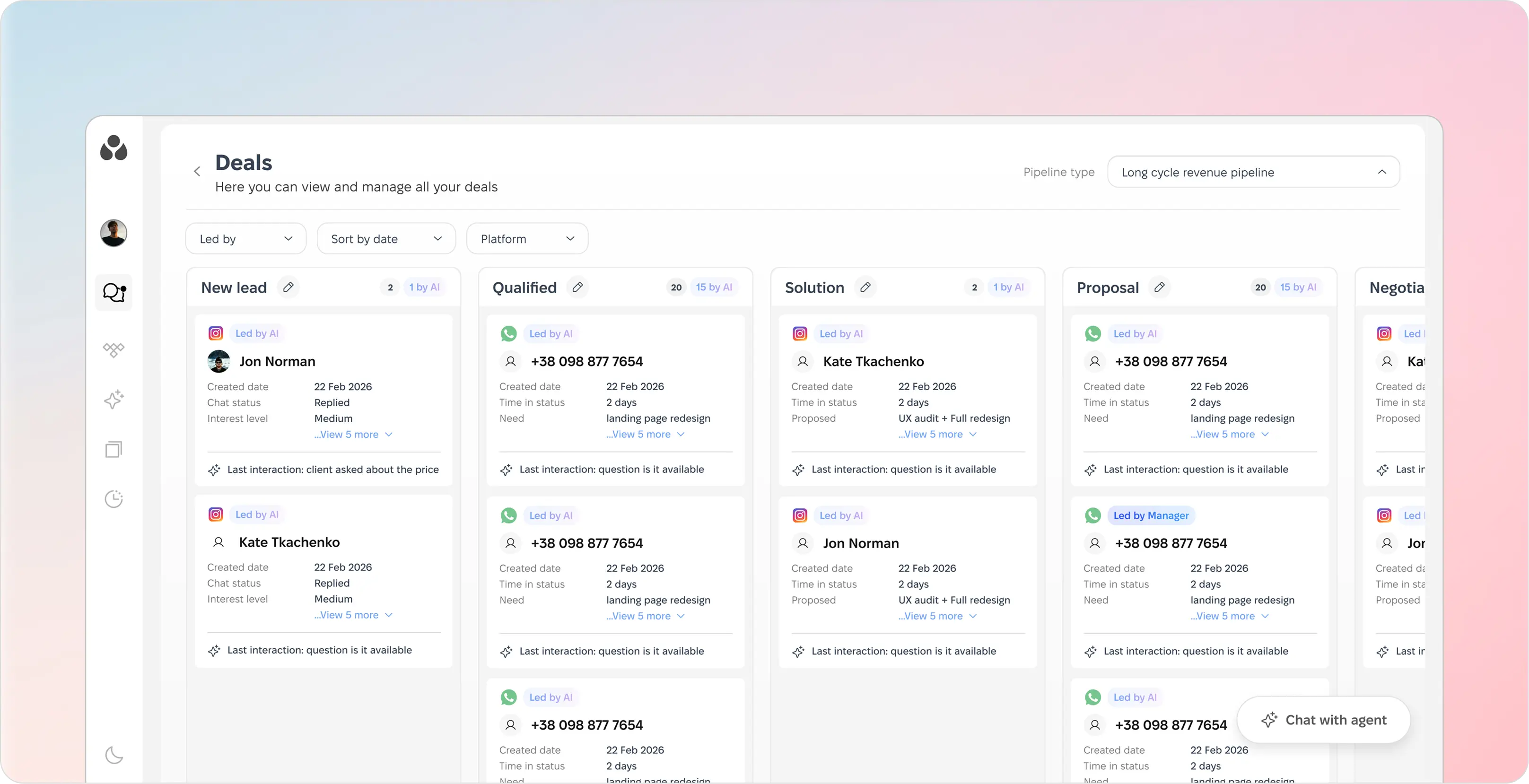
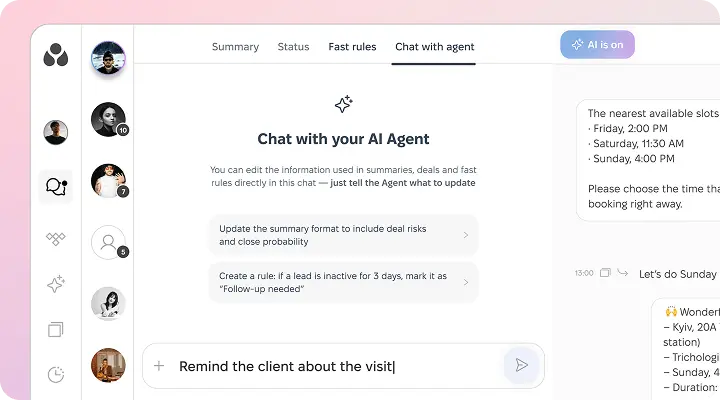
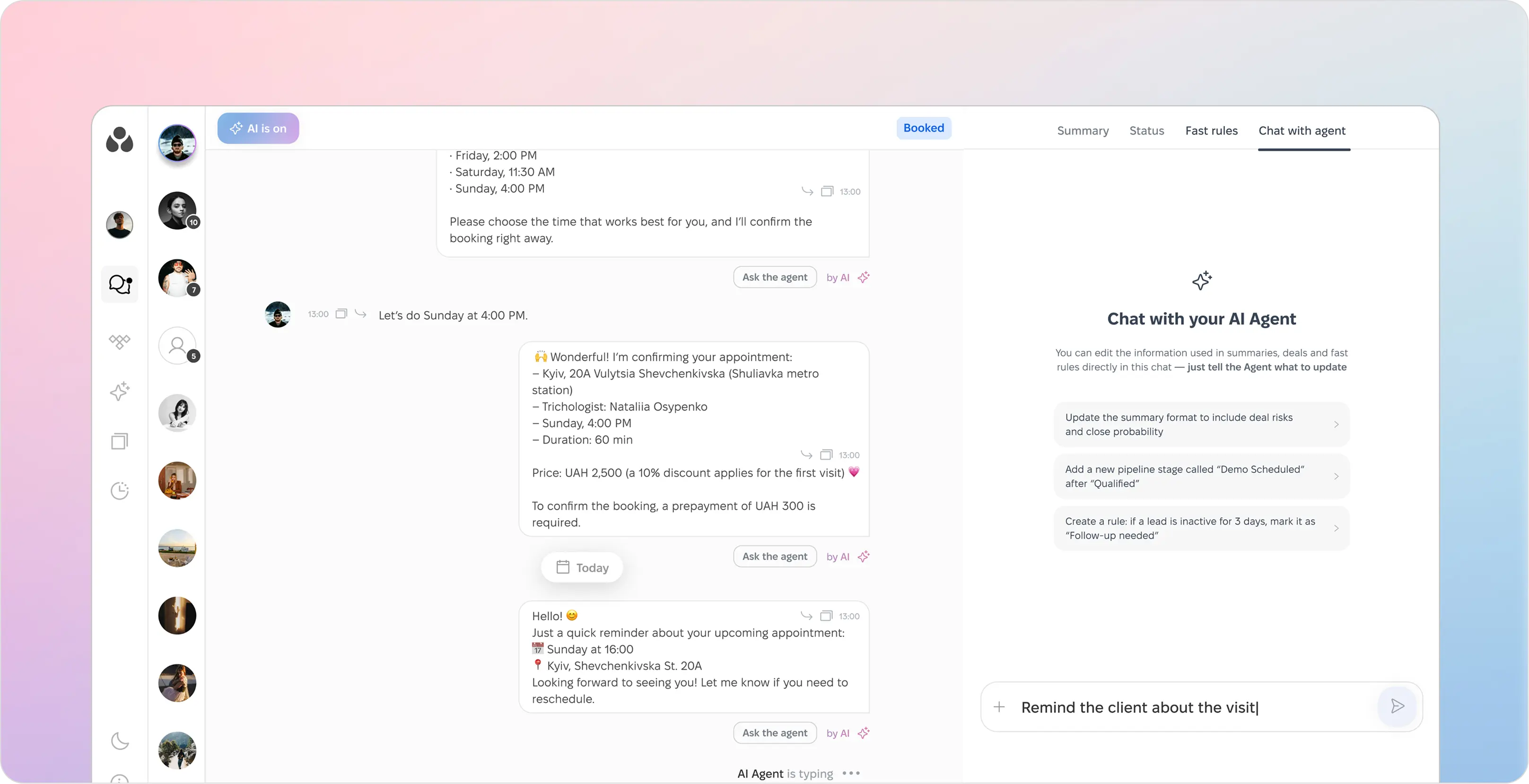
Product interface showing a conversation booking stage via chat for client with AI sales agent / AI sales assistant responding about available appointment slots.CostCare AI interface showing a conversation between a user (potential client) and an AI sales agent booking a consultation on Instagram with appointment times and qualification details.User interface showing a deals management dashboard with columns for New lead, Qualified, and other deal stages, including details like names, dates, and interaction notes.Sales management dashboard showing deals in stages: New lead, Qualified, Solution, Proposal, with client names, contact info, interaction notes, and status.Chat interface showing 'Chat with your AI Agent' tab with editable rules like updating summary format and creating follow-up rules, plus a message input field.Chat interface showing an AI agent confirming a Sunday 4:00 PM appointment with a specialist, including price details and appointment reminders.

Qualify inquiries

Identify intent and route inquiries across Instagram, WhatsApp, Viber, Telegram etc

Industries

Trusted by businesses across industries where response time and quality matter

Education & development
Health, beauty & wellness
E-commerce
Service businesses
Creative industries
Real estate & travel
Retail trade
How CostCare AI works

Configure your AI agent
around how your business sells

Fast setup for your business

Give your AI agent the context it needs in minutes
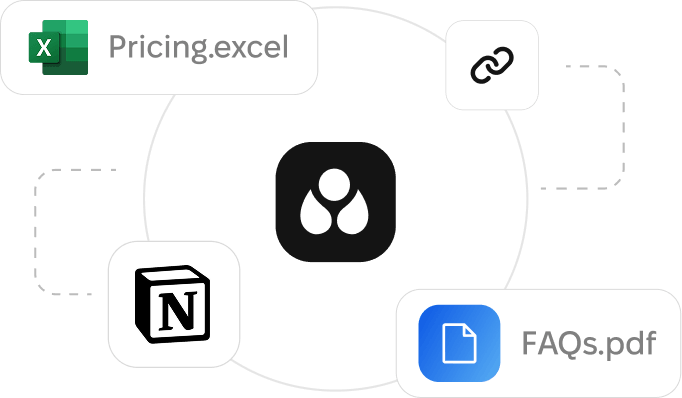
Business rules, knowledge sources, tone of voice, and escalation logic — configured in 5 minutes, improved over time
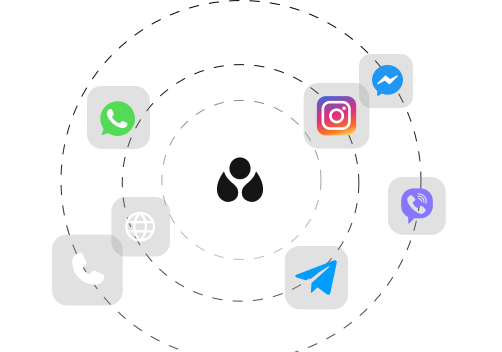
Diagram showing file types Pricing.excel, FAQs.pdf, and Notion linked around a central black icon with three white droplets.
1. Add your business context
Products, services, FAQs, pricing, availability, and key workflows
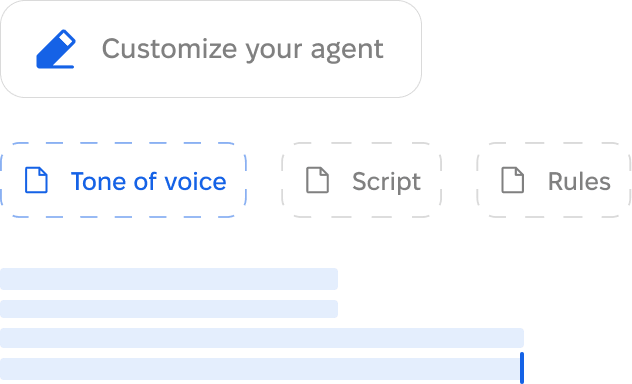
Interface with a blue pencil icon and text 'Customize your agent', tabs labeled 'Tone of voice' highlighted in blue, 'Script' and 'Rules' in gray, and blue horizontal loading bars below.
2. Define agent behavior
Tone of voice, qualification logic, scripts, and escalation rules
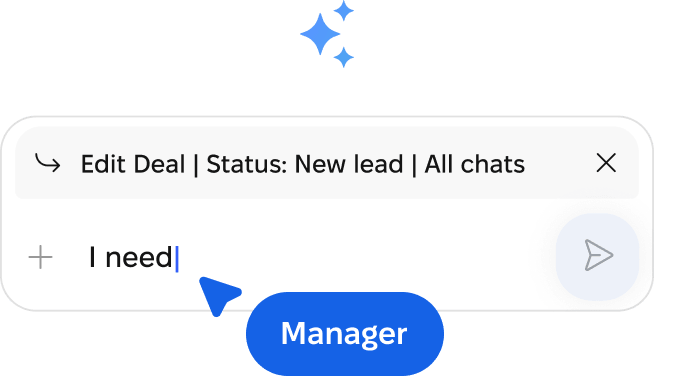
Chat input box with text 'I need' and status bar showing 'Edit Deal | Status: New lead | All chats', a blue label below reads 'Manager'.
3. Launch and improve
Go live fast, then refine replies, routing, and handoff as data comes in
Flexible by channel
Connect the channels your customers already use
CostCare AI fits your inbound flow
Proof in numbers

Funnel results businesses achieve with CostCare AI

30%

Conversion rate with one AI agent

70-80%

Inbound inquiries handled

3.5×

Sales team efficiency

Turn response-time gaps into revenue opportunities

Let’s explore your process together!
See how CostCare AI fits

Fill out the quick form

Email
Your name
Phone number
Thank you! Your submission has been received!
Oops! Something went wrong while submitting the form.
Clean indoor space with modern table, large surfboard artwork, and loft-style window in background.
Dive deeper

AI moves the process forward. Your team stays in control

24/7 coverage
Handle conversations across shifts, after hours, and peak times
User profile interface showing a status indicator with the text 'AI is live' in green.
Human in the loop
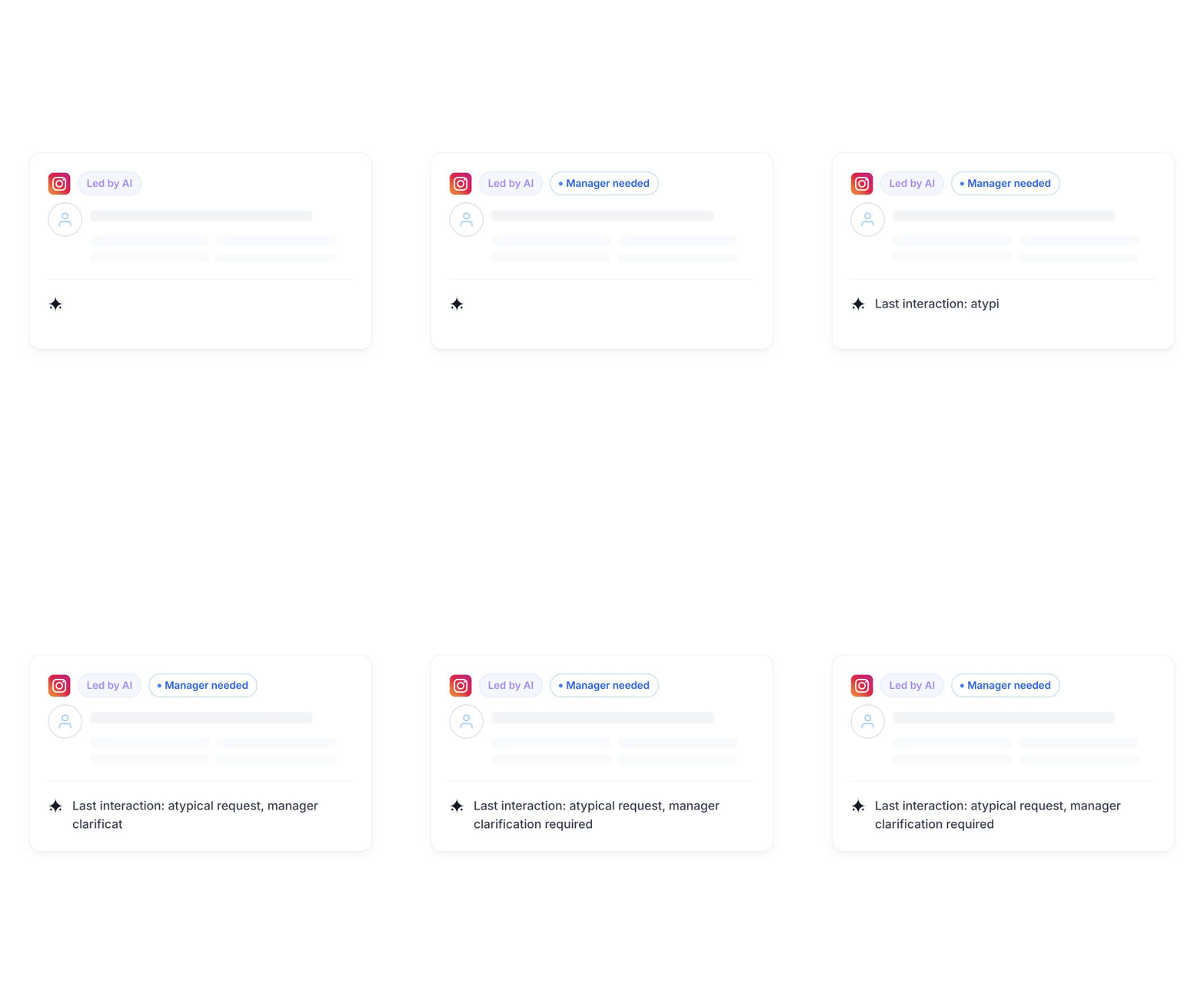
Keep a human in control when it matters — review interactions and escalate conversations
Animated Instagram post interface with a 'Led by AI' label and a loading sparkle icon.
Feedback-driven
Use feedback to refine replies, update workflows, improve your AI sales agent
User interface panel showing options: Edit Deal, Status: New lead, and All chats, with a plus sign and a send icon.

Connect CostCare AI to the systems your business already runs on

Integrate with systems where open API endpoints are available to support readiness or next-step actions in your sales process
Payment
PayPal
Stripe
LiqPay
Knowledge Base
Zendesk
Notion
Booking
Calendly
Booksy
EasyWeek
CRM
Salesforce
keyCRM
HubSpot
E-commerce Platforms
WooCommerce
Horoshop
Shopify
Scheduling
Outlook Calendar
Google Calendar
ERP
Microsoft Dynamics 365
NetSuite
Odoo
PRICING

Cost-effective, volume-based pricing

Pay for volume, not headcount

CostCare AI pricing is based on chat volume, so you’re not paying more just because your team grows

No onboarding fees or hidden extras

Launch without onboarding fees or unnecessary custom setup costs from day one

Built for businesses of different sizes

From owner-led teams to growing operations — SMB or enterprise, CostCare AI scales with your volume, channels, and workflow
Starting at
$80
Standard Monthly Plan
Book your demo

What to know before you get started

What businesses is CostCare AI best for?

CostCare AI works best for revenue-driven businesses where response speed and interaction quality directly affect conversion. It is a strong fit for companies with high inbound volume, repeatable customer questions, and a clear next step such as a booking, order, or qualified lead.

How does CostCare AI work?

CostCare AI works as a configurable sales automation layer rather than a generic chatbot. During onboarding, the system is configured around your sales process, business rules, knowledge sources, tone of voice, escalation logic, and channel flow, so the AI agent operates within skills, your business context instead of relying on generic behaviour. With the right setup, CostCare AI can support qualification, routing, triggers, and controlled handoff, while outcomes improve over time as the configuration matures.

Can CostCare AI hand off conversations to a human manager?

Yes. CostCare AI is designed with human handoff in mind, and your team can review interactions, stay in control of communication quality, and step in whenever a manager, approval, or human judgment is needed. Depending on the escalation rules you configure, you can keep more control in human hands or allow the AI agent to act more autonomously within the boundaries you set.

Which channels does CostCare AI support?

CostCare AI can support messengers such as Instagram, Facebook, WhatsApp, Telegram, Viber and others, website chat, and, depending on the use case, phone as well. The exact channel mix depends on your workflow, your conversion path, and where your customer conversations already happen.

How is CostCare AI configured for each business?

CostCare AI is configured around your business context, including FAQs, policies, rules, tone of voice, and escalation paths. Most businesses start with a practical first version, then improve performance over time through better sources of truth, tighter routing, and feedback-driven updates.

How fast can CostCare AI be launched?

CostCare AI is designed for fast onboarding and lightweight pilot launches. The goal is to start with a version that already supports real business outcomes, then improve it over time instead of trying to solve every edge case on day one. The first working version of a custom AI sales agent for your business can currently be created in about 5 minutes and 30 seconds.

How is CostCare AI priced?

CostCare AI uses volume-based pricing, so pricing scales with chat volume and demand rather than team size. You can start with AI automation in one inbound channel and gradually add more channels over time — or choose to cover your full inbound flow from the start. This makes it easier to launch, measure ROI, and expand as your business grows.

A new standard for sales automation and measurable business outcomes

Explore how CostCare AI helps improve conversion,
reduce waste, and create clearer ROI across your sales flow
See in action